Control tower
Take absolute control from a single dashboard. The unified vision your operation needs to be more efficient, profitable, and sustainable.

Innovation
An intelligent business not only collects data but also connects it to generate competitive advantages. Our control tower is the operational brain that transforms scattered information into actionable strategy.

Connect from anywhere
The platform is accessible to you from any device with an internet connection, ensuring that you never lose sight of tracking your contracts and vehicles.
Discover our three main benefits
Control of your units
Optimize the management of your units. With our application, you can monitor the location of your fleet in real-time, ensuring that you never lose sight of your most valuable assets. Take control and improve your efficiency today!
Fleet management
Optimize every kilometer. Our dashboard provides you with a complete view of the location and status of each vehicle. Schedule preventive maintenance, enhance the safety of your drivers, and reduce operational costs with intelligent and centralized management..
The Power of Integrationn
The true power is not in managing separately, but in connecting. Our Control Tower allows you, for example, to avoid fines and surcharges on fleet services.
Nuestro equipo de especialistas está capacitado para optimizar la gestión de su flota de acuerdo con las necesidades de su operación.
Da un vistazo a nuestras soluciones.
Agrega la app a la pantalla de inicio
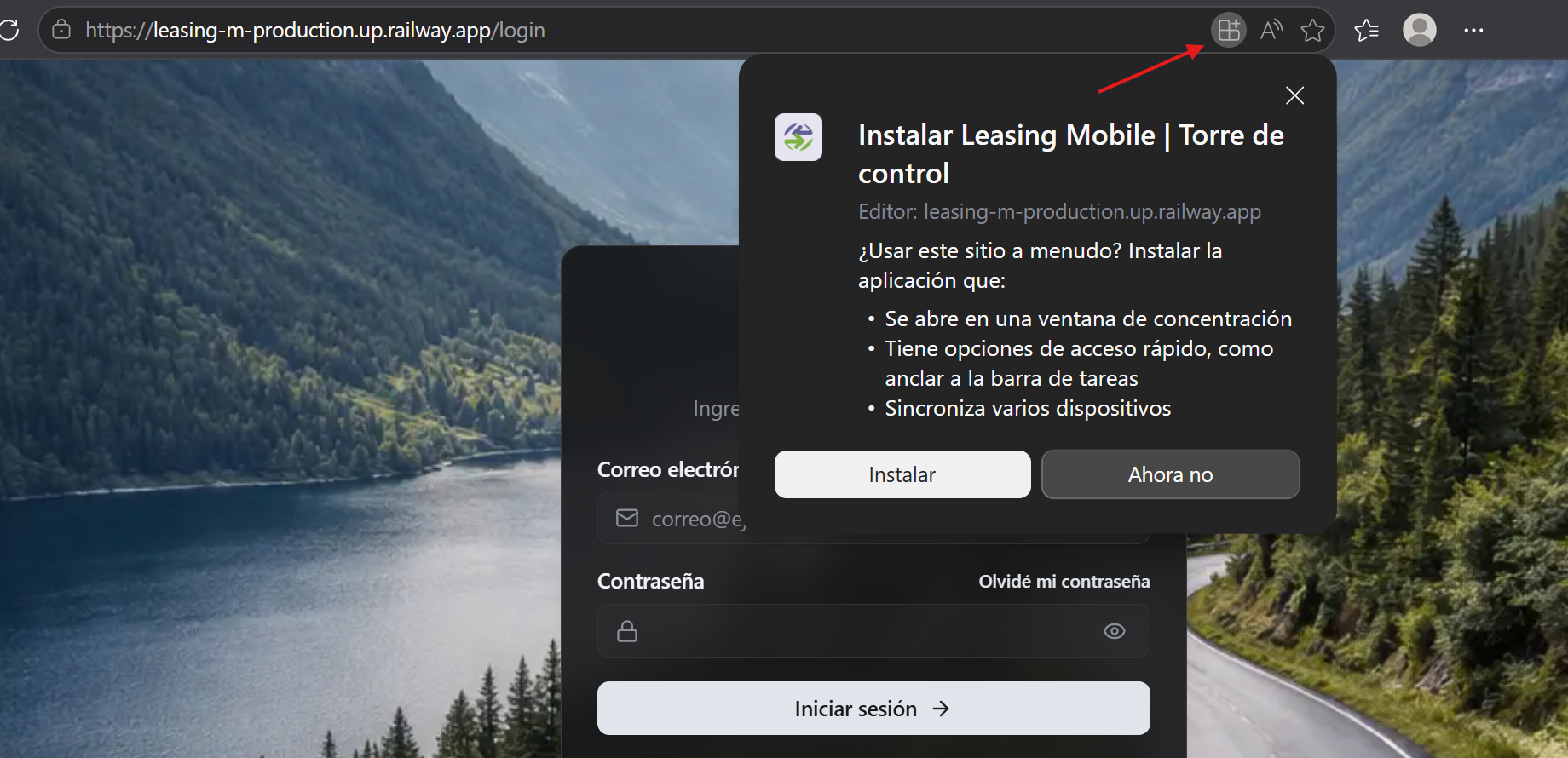
Cómo agregar la app a la pantalla de inicio
Guía para dispositivos Android — Google Chrome
Sigue estos 4 pasos para agregar un acceso directo a la plataforma directamente en la pantalla de inicio de tu teléfono Android. No necesitas descargar ninguna aplicación adicional.
|
|
Paso 1 Abre la aplicación en tu navegador Chrome de Android.
has clic en los 3 puntos para abrir los ajustes |

|
|
Paso 2 Toca el menú de opciones de Chrome.
Presiona el ícono de tres puntos ⋮ en la esquina superior derecha de Chrome.
Se desplegará un menú. Busca y selecciona la opción:
"Agregar a la pantalla principal" |

|
|
Paso 3 Elige cómo agregar el acceso directo.
Aparecerán dos opciones:
• Instalar app.
• Crear acceso directo — Agrega un ícono en la pantalla de inicio que abre la app en Chrome.
Se recomienda seleccionar "instalar para acceso rápido desde el escritorio. |

|
|
Paso 4 ¡Listo! El ícono ya aparece en tu pantalla de inicio.
Verás el ícono de la app "Leasing Mobile" en tu pantalla de inicio de Android.
A partir de ahora podrás acceder a la plataforma con un solo toque, sin necesidad de abrir el navegador manualmente. |

Request a personalized demonstration
It's time to elevate your perspective and take control. Leave behind fragmented management and step into unified and intelligent operations.